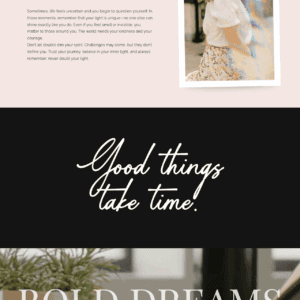
Showit SVG Handwriting Text Animation Effect

Price range: $29.00 through $69.00
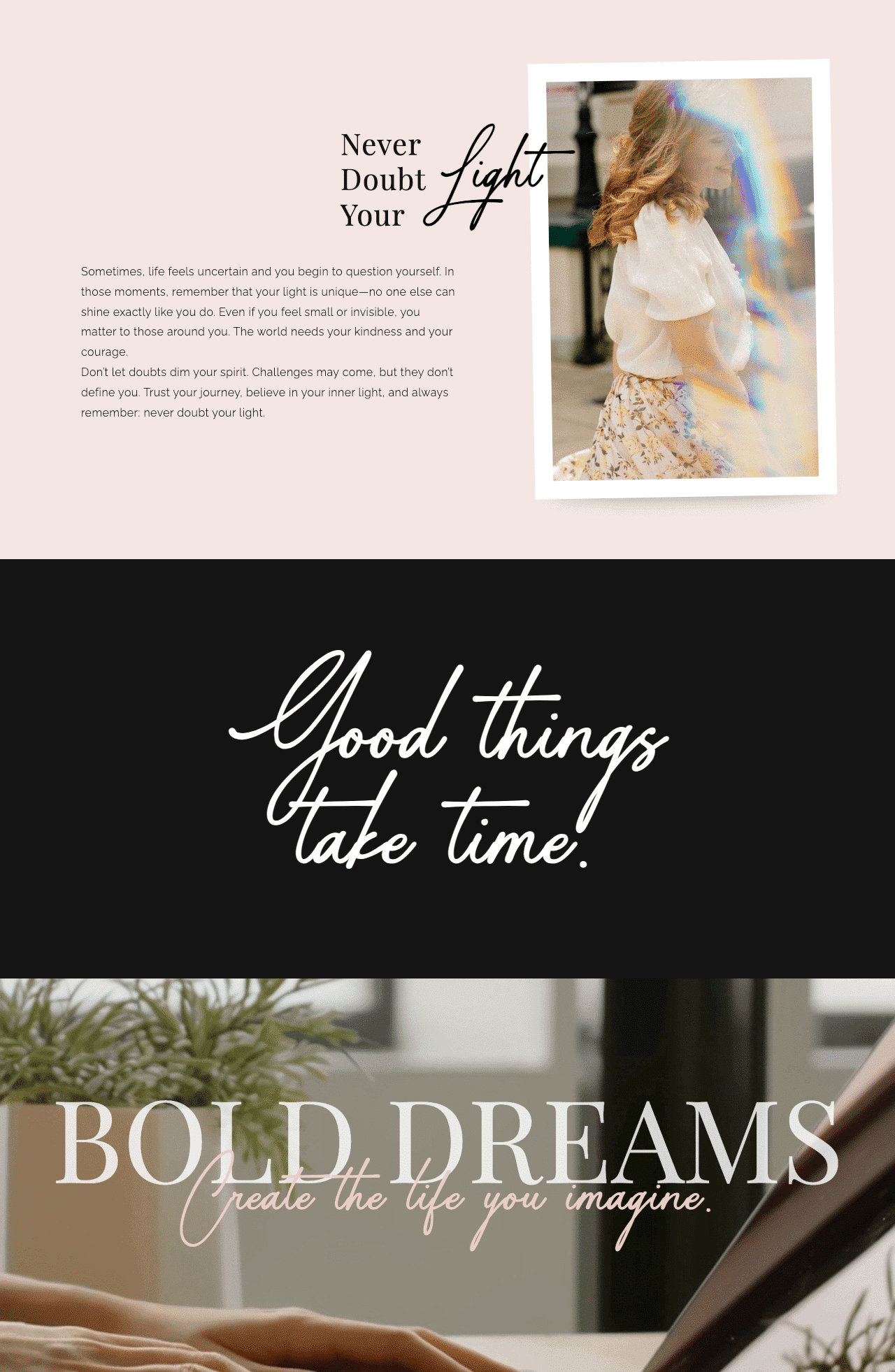
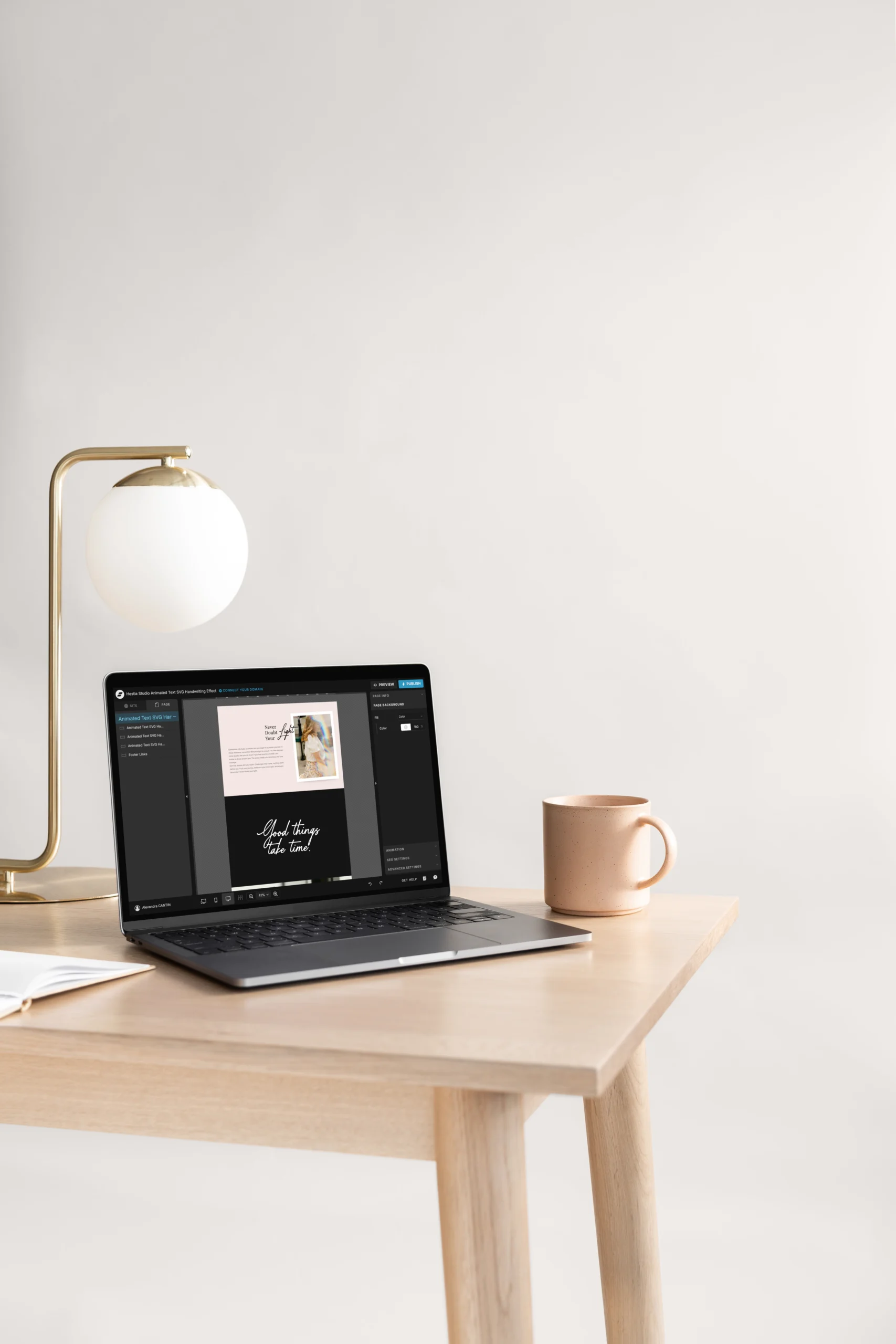
Bring your words to life with this SVG Handwriting Text animation for Showit. This effect traces your text letter by letter on the screen, exactly as if a human were writing live in front of you. It’s the perfect trick to grab attention and humanize your content with an ultra-authentic touch.
- 100% on brand. You keep control over the final look. Integrate your own fonts, adjust the size, spacing, and modify the stroke colors so it matches your visual universe perfectly.
- Custom pacing. You set the tempo. Adjust the speed and the delay between each letter appearing to get a truly fluid handwriting effect.
- Lightweight and optimized. The animation triggers smartly, only when your text appears on the screen. The display is perfectly smooth on both mobile and desktop, and you can multiply the effect on the same page without breaking anything.
Ideal for: Showit designers, coaches, and creatives. This add-on is perfect for animating a signature on an “About” page, highlighting a strong quote, or giving real soul to the hero banner of a personal branding site.
Key Features & Customization Options
Custom animated text
data-text attribute.Font choice
font-family in @font-face and CSS to your Showit font and update the src URL for the WOFF/WOFF2 file.Font size
font-size in the CSS .animated-handwriting-svgXX text rule to scale the animation. The SVG resizes responsively within its container.Letter spacing
data-letter-spacing attribute.Staggered animation
data-stagger-delay attribute (value in seconds).Stroke and fill customization
Easy duplication
Performance
Intersection Observer, for better performance.Fully responsive
Key Features & Customization Options
Custom animated text
Personalize the animated handwriting message via the data-text attribute.
Font choice
Use any font uploaded to your Showit account. Match the font-family in @font-face and CSS to your Showit font and update the src URL for the WOFF/WOFF2 file.
Font size
Adjust the font-size in the CSS .animated-handwriting-svgXX text rule to scale the animation. The SVG resizes responsively within its container.
Letter spacing
Control spacing between letters by changing the data-letter-spacing attribute.
Staggered animation
Set how quickly each letter appears after the previous one with the data-stagger-delay attribute (value in seconds).
Stroke and fill customization
Change the stroke color, fill color, stroke width, and animation timing in the CSS to match your branding.
Easy duplication
Duplicate this animation on the same page by copying the code and replacing each occurrence of “02” in class names, IDs, and function names with a new unique number.
Performance
The animation only runs when the SVG becomes visible in the viewport, thanks to Intersection Observer, for better performance.
Fully responsive
Works on both desktop and mobile, with no scroll or usability interference.
Key Features & Customization Options
Custom animated text
data-text attribute.Font choice
font-family in @font-face and CSS to your Showit font and update the src URL for the WOFF/WOFF2 file.Font size
font-size in the CSS .animated-handwriting-svgXX text rule to scale the animation. The SVG resizes responsively within its container.Letter spacing
data-letter-spacing attribute.Staggered animation
data-stagger-delay attribute (value in seconds).Stroke and fill customization
Easy duplication
Performance
Intersection Observer, for better performance.Fully responsive

Need support? Just reach out. I'm always happy to help every step of the way! Contact me.
05. Need help?
Personalize every detail to match your brand and vision, then hit publish to give your visitors an enhanced experience.
04. make i yours
Follow our simple guides to import your design or code. No technical skills required.
03. EASY INSTALL
Download your assets—guide and license included—instantly on the checkout page.
02. Instant Delivery
Choose the license that fits your project and complete your secure purchase in just seconds.
01. SELECT YOUR LICENSE
How it works
There are no reviews yet. Be the first one to write one.
Client Love
Step-by-step guides included. Need help with setup or customization? Response within 24h. No question is too small.
24h Support That Cares
Your files are ready and quietly waiting. Available 24/7 as soon as your payment is confirmed. Download and return to what matters: creating.
Instant Download
Products stay updated for reliability and tech trends, adapting to platform changes and feedback — no extra fees.
Lifetime Updates Future-Proof
Designed to match your brand.
Easily customizable, so it feels truly yours. No technical skills required, just your creativity to make it shine.
100% Customizable
Every detail is crafted with care — for mobile, tablet, and desktop, so your visitors can explore easily, and stay a little longer.
Mobile & User-Friendly Design
Built to save you time: Every product integrates instantly with Showit, Squarespace, or Canva, so you can launch faster without compromising quality.
Easy Editing & Integration
Yes! I design all my templates and add-ons to be as easy to customize as possible. You can change colors, fonts, images, and layouts without worrying about technical details, so your creativity can shine freely.
How customizable are these templates and add-ons ? Can I edit colors, fonts, and layouts?
Yes! I provide support for any issues you may encounter during installation or customization. I’m here to help you get your template or add-on working perfectly, so you can focus on creating your website without stress.
Do you provide support if I encounter issues during installation or customization?
All fonts used in our templates are from Creative Fabrica. To use them legally, you must purchase your own license on their platform using the links provided in the template. Alternatively, you can swap them for free Google Fonts.
Are the fonts included, and do I need to purchase a separate license?
Yes! If you select the "I install and customize it for you" option at checkout, I will personally handle the setup for you. This includes installing the template or add-on into your Showit account and adjusting the colors, fonts, and content to perfectly match your brand.
Can you install and customize the template or add-on for me?
Due to the digital nature of our products, all sales are generally final. A refund will only be considered if a proven technical issue is identified that makes the product partially unusable and we are unable to resolve it. Please ensure you review all product details before purchasing.
Do you offer refunds on digital products?
Yes, an active subscription is required. Choose your plan based on your needs (static site vs. blog) and ensure it supports custom code if needed. Bonus: Get one month free by signing up via my partner link here.